 Pulp Docs
Structured documents,
right in your browser.
Build agreements, forms, reports and process guides from simple blocks. No account and no server — every document is a plain .pulp file on your own computer.
Why Pulp Docs
Made for the paperwork that word processors make fiddly and online tools want an account for.
Your files stay yours
Documents are saved straight to a folder you choose. Nothing is uploaded anywhere.
Works offline
Everything runs in the browser, including PDF export. No installs, no sign-up.
Built for paperwork
Letterheads, numbered clauses, fill-in forms, signature blocks with witnesses, and page breaks that print properly.
Data and visuals
Tables with totals, checklists, timelines, area and donut charts, site plans with pins, and clickable process flows.
Publish and template
Lock a finished document with a version and an audit trail, then reuse it as a template for the next one.
Export anywhere
Print, save as PDF, or export a standalone HTML page anyone can open — no Pulp Docs needed.
A closer look
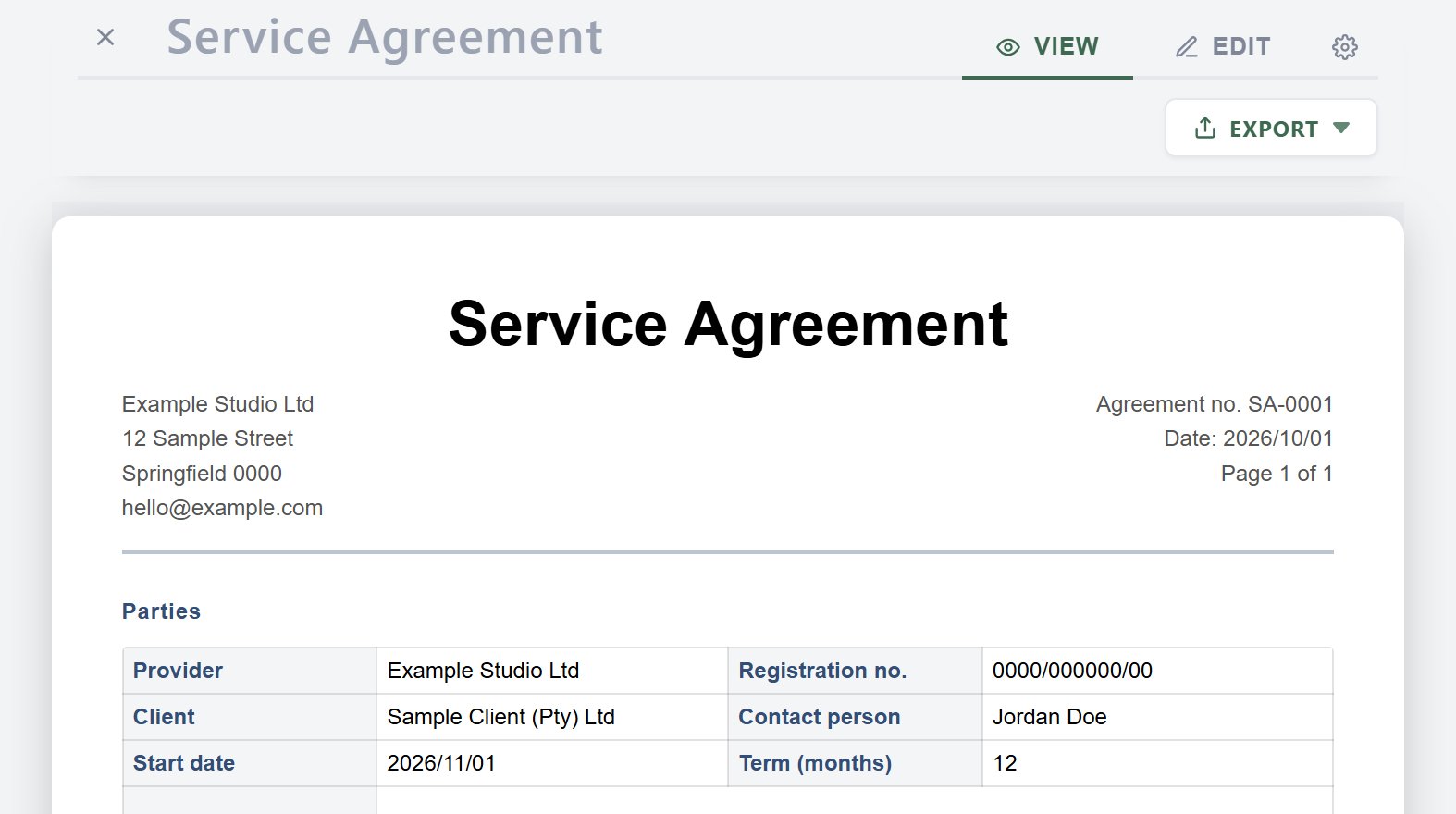
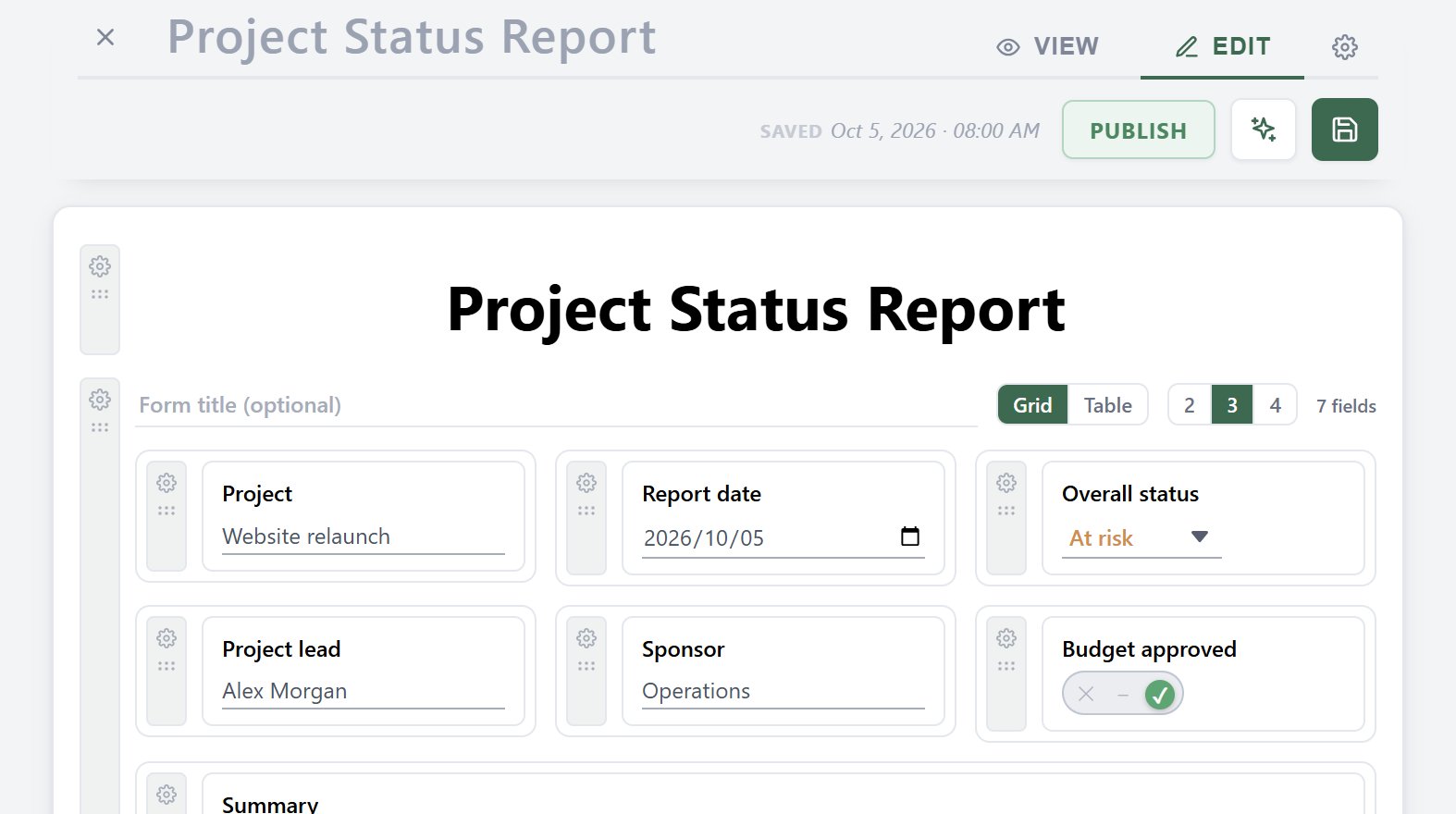
Switch between View, which shows exactly what prints, and Edit, where every block has its own controls.
Sample documents
Download one, then open it in Pulp Docs to see how it's put together. All data in them is made up.
- Welcome to PulpDownload
A short tour of what blocks can do. - Service AgreementDownload
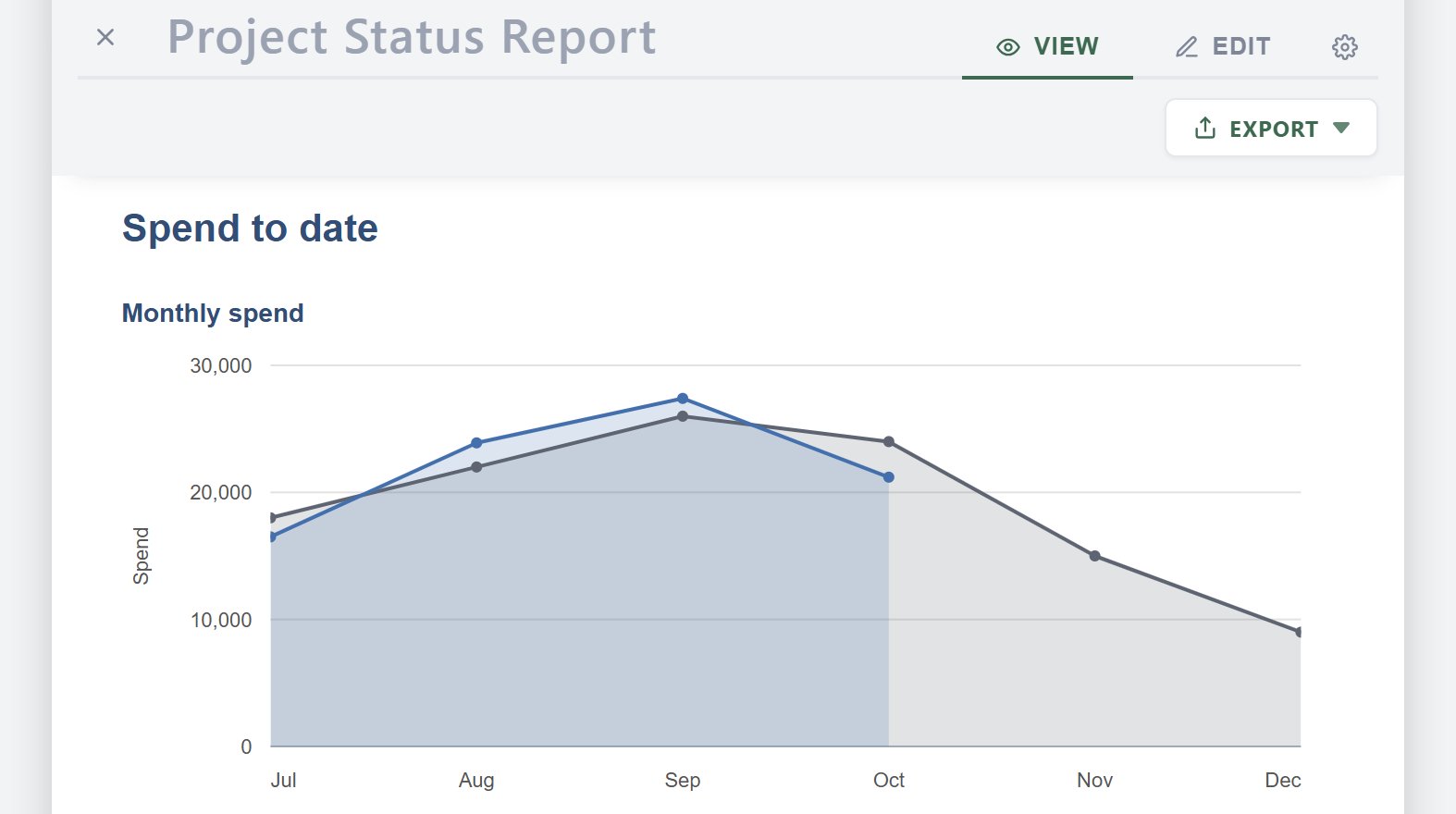
Letterhead, parties form, numbered clauses, fee table, signatures. - Project Status ReportDownload
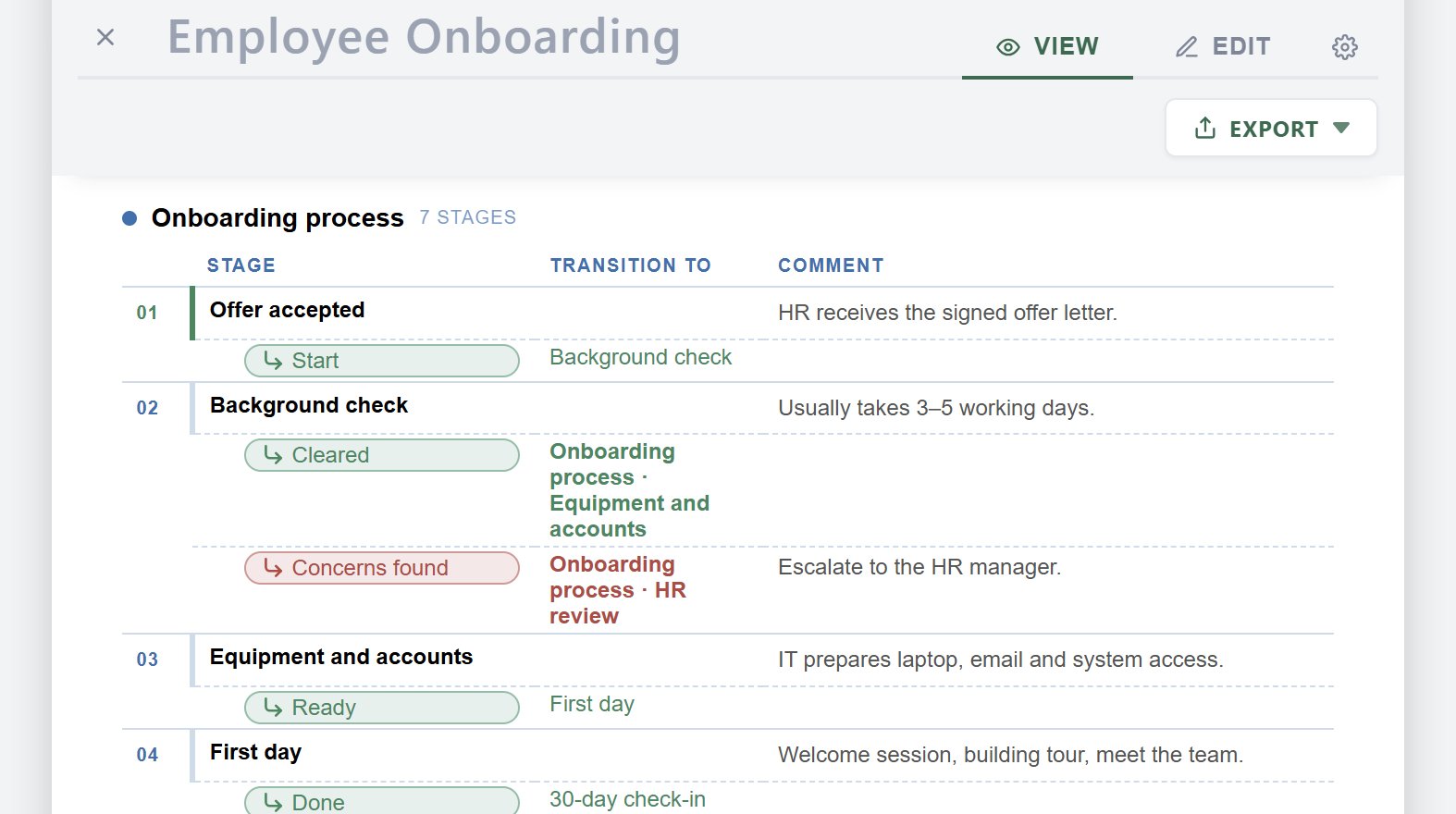
Status fields, timeline, budget chart, risks table, checklist. - Employee OnboardingDownload
A process flow with decisions, plus a first-day checklist. - Donut Chart SampleDownload
Budget split shown as donut and area charts.
Getting started
- Open Pulp Docs and choose Add workspace to pick a folder for your documents.
- Create a new document, or drop a sample file into the folder and open it.
- Add blocks from the bar at the bottom of the editor. Save with Ctrl+S.
- Optional: in Chrome or Edge, use the install icon in the address bar to add Pulp Docs as an app.
.pulpfiles then open in Pulp Docs with a double-click.